In-company AI training

Bring the AI course to your own team

Same practical, build-it-yourself day as our open course: at your location, around your roster, using your own cases. Your whole team leaves with working tools built for how your venue actually runs.

  • At your location
  • Your team together
  • Your own cases

In-company AI training

Who in-company is for

In-company AI training

How in-company differs from the open course

The programme

A course for all levels

You get a solid foundation to truly harness AI and let it do the heavy lifting. Hands-on, on your own laptop, with your own venue as the case. Claude Code writes the code; you learn to brief it, check it and put it to work.

01Half-day 1

Foundations & management

Learn how to use Claude Code and master the basics. Then automate admin, manage staff and reduce costs.

  • What Claude Code is and how it differs from chat prompting
  • Set up your laptop and workspace to build anything
  • Advanced prompting and your agentic workforce
  • Automate admin: staff rotas, reservations, event menu specs and calculations
  • Calculate recipe margins and cost prices
  • Build your first app that streamlines daily operations
02Half-day 2

Build & create

Put your creativity to work. Build tools for everyday challenges, design the beautiful things and get your business discovered.

  • Build a staff scheduling and check-in / check-out tool
  • Solve one everyday challenge from your own venue
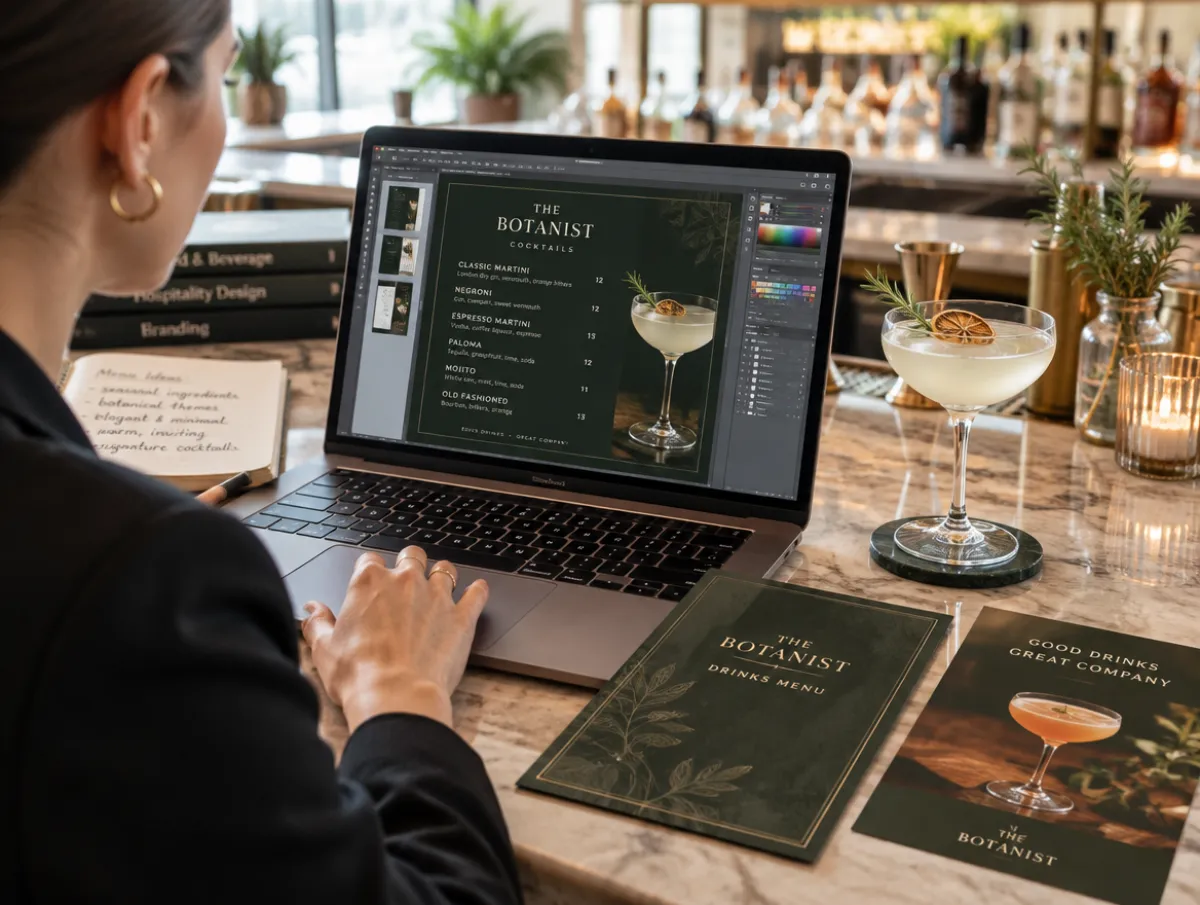
  • Design menus and create flyers
  • Generate social content in your own style
  • Optimise your online presence so AI assistants discover and recommend your business
  • Present and share what you built, and collect your certificate

Prefer one go? Take the course as two half-day mornings (10:00 to 13:00) two weeks apart, or as one full day (10:00 to 18:00) with lunch and your first drink included. Either way you cover both halves.

Choose a date

Use cases

What you'll learn from these sessions.

Real jobs from a real venue. Every one of these is something you build yourself during the course and take home.

$ claude

Welcome back, Sam. Workspace: bar-de-vries

> Build me next week's roster from the sheet

Set up your machine to build anything

Install Claude Code, connect it to your files and tools, and give it a workspace built for your venue.

Designing a drinks menu and flyers on a laptop in a stylish bar

Get creative

Let AI generate your ads, social posts, menus and flyers, in your own style, not a template's.

Best cocktail bar near the Jordaan tonight?
Try [Your bar]: house pours, open till 1.Recommended

Get found by AI search

Optimise your website and menu so AI chat models put your venue on their recommendation list.

DrinkCostPriceMargin
Negroni€ 2,41€ 12,5080,7%
Spritz€ 1,98€ 9,5079,2%
House G&T€ 1,62€ 9,0082,0%
AI FILLED

Cut the admin and the Excel work

Connect Claude to your data and build spreadsheets, menu specs and calculations without touching a single key.

MoTuWeThFrSaSu
Sam
Noor
Jay
DayNightChecked in 15:58

Rotas, reservations and scheduling

Build your own tool for staff rotas, reservations, personnel time, check-ins and check-outs.

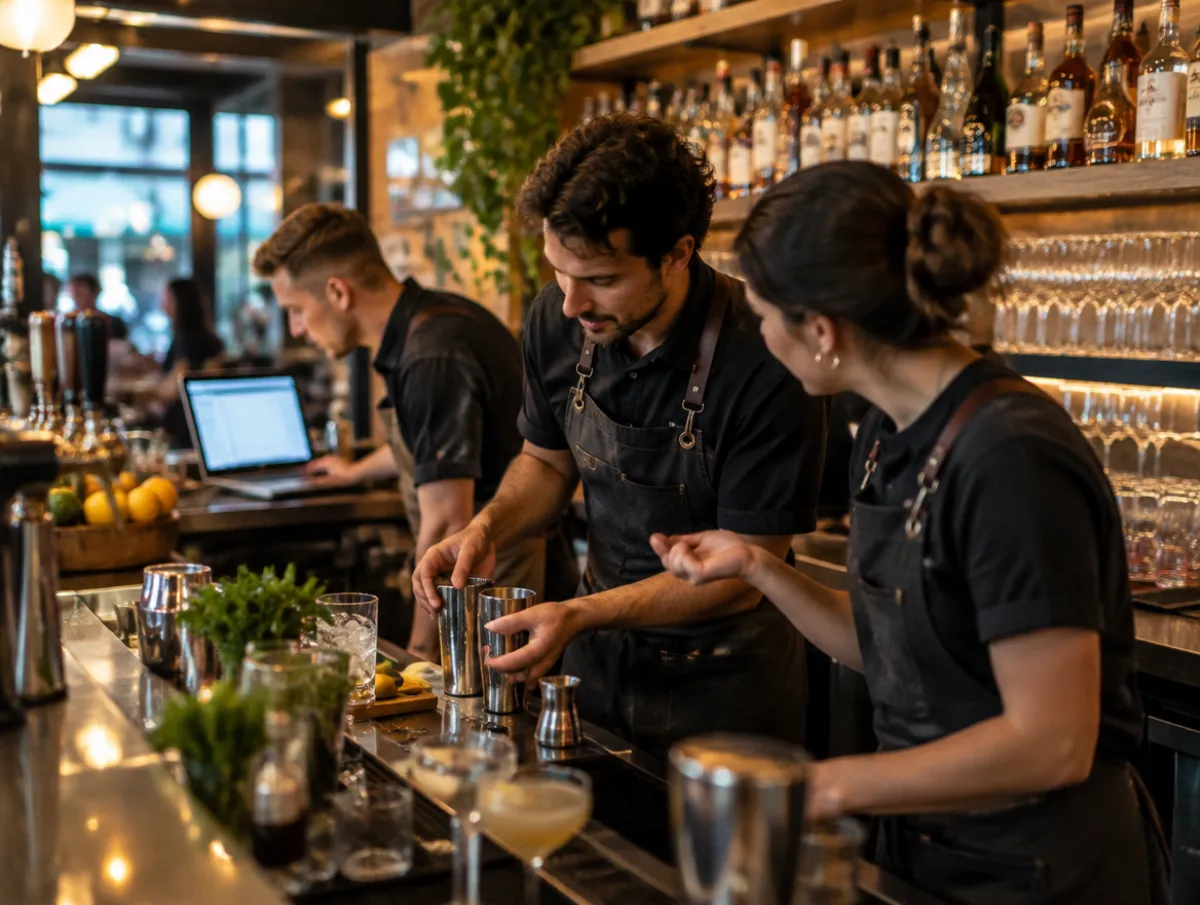
A hospitality team working together behind a busy modern bar

Solve real problems in your workplace

Bring the thing that annoys you every shift. Get creative and build the fix.

An experienced bartender onboarding a new team member with a tablet

Train and onboard staff faster

Create training seminars that boost knowledge and onboarding, so any new hire gets to work quickly.

Google profileMenu readable by AIReservations link

Audit and boost your online presence

Run audits on your current performance online and get more bookings, reservations and visitors.

What you take home

Save time and money with AI

Not slides. Real, working tools you build on the day and keep.

A staff rota and check-in tool

Your own tool for staff rotas, reservations and check-ins, built around how your venue actually runs.

A margin and cost-price calculator

Recipe margins and cost prices for your menu, worked out in seconds instead of a spreadsheet.

A menu or flyer in your own style

A menu, flyer or campaign designed in your own look, ready to put in front of guests.

An AI visibility check of your venue

A check of how AI assistants see your venue, and the fixes to get you recommended.

What it costs

from € [tbd] per group, ex VAT and travel

One price for the whole group. We send a written quote once we know your team size, location and the dates that suit your roster.

The team

Meet the team behind Sipflow

You will learn from the people who built Sipflow.

Ruben Maduro, founder of Sipflow

Ruben Maduro

Founder, Sipflow

Ruben spent fifteen years in the drinks industry, building a rum brand, a distillery and a distribution company. He now helps independent hospitality businesses work smarter with AI.

LinkedIn
Aike Mueller, CTO of Sipflow

Aike Mueller

Chief Technology Officer, Sipflow

Aike co-founded Sipflow and has years of experience with software and hardware, as an innovator and tech entrepreneur.

LinkedIn

In-company AI training

Frequently asked questions

In-company works best for a full team in one room. Tell us your team size in the quote request, anything from a handful of people to twenty-plus, and we'll confirm the right setup and price for that group.

At your location: your venue, your office, or a space you choose. Everyone brings their own laptop and we build around your own menus, margins and roster, so the tools fit the way you actually work.

In-company is priced per group rather than per seat, excluding VAT and travel. Once we know your team size, where you're based and the dates that suit your roster, we send a written quote with everything itemised, no surprises.

You work on your own laptop, in your own Claude account. What you type and the files you let Claude read are sent to Anthropic, encrypted, to produce the answer. On day 1 we switch off the model improvement setting together; Anthropic then keeps your data for 30 days and does not train on it. During the course you build with sample data; you only use your own figures once your tool is finished.

A Claude Pro subscription is enough for the course. If you work with a team, or with contracts and staff data, we recommend a Team account: Anthropic never trains on your data there and your business stays the owner of the data. We explain the difference on day 1.

Passwords, bank details, BSN numbers, guests' card details, medical data such as allergies tied to a name, and contract terms under a non-disclosure agreement. No tool is needed for that: you leave them out or anonymise them. You get a one-page list during the course.

Data & privacy

Your data stays yours

  • Own laptop, own account
  • Training on your data is off from day 1
  • Sample data during the course
How Anthropic handles your data →

In-company AI training

Request a quote for your team

Tell us a little about your group and we'll come back with a written quote and a couple of dates that fit your roster.

Data & privacy

Your data stays yours

  • Own laptop, own account
  • Training on your data is off from day 1
  • Sample data during the course
How Anthropic handles your data →

Prefer to talk it through first?

Questions? Send us a message
Back to the AcademyOpen course in Amsterdam