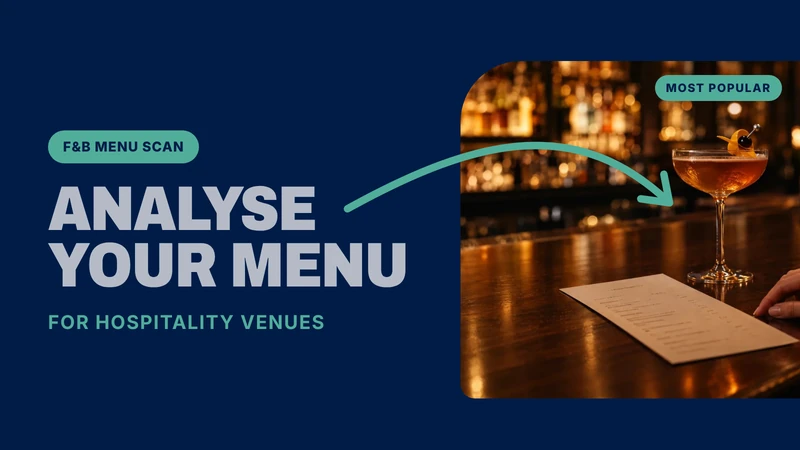
Drinks menu margin analyser: pour cost and margin per drink
Menu margin analyser for bars and restaurants
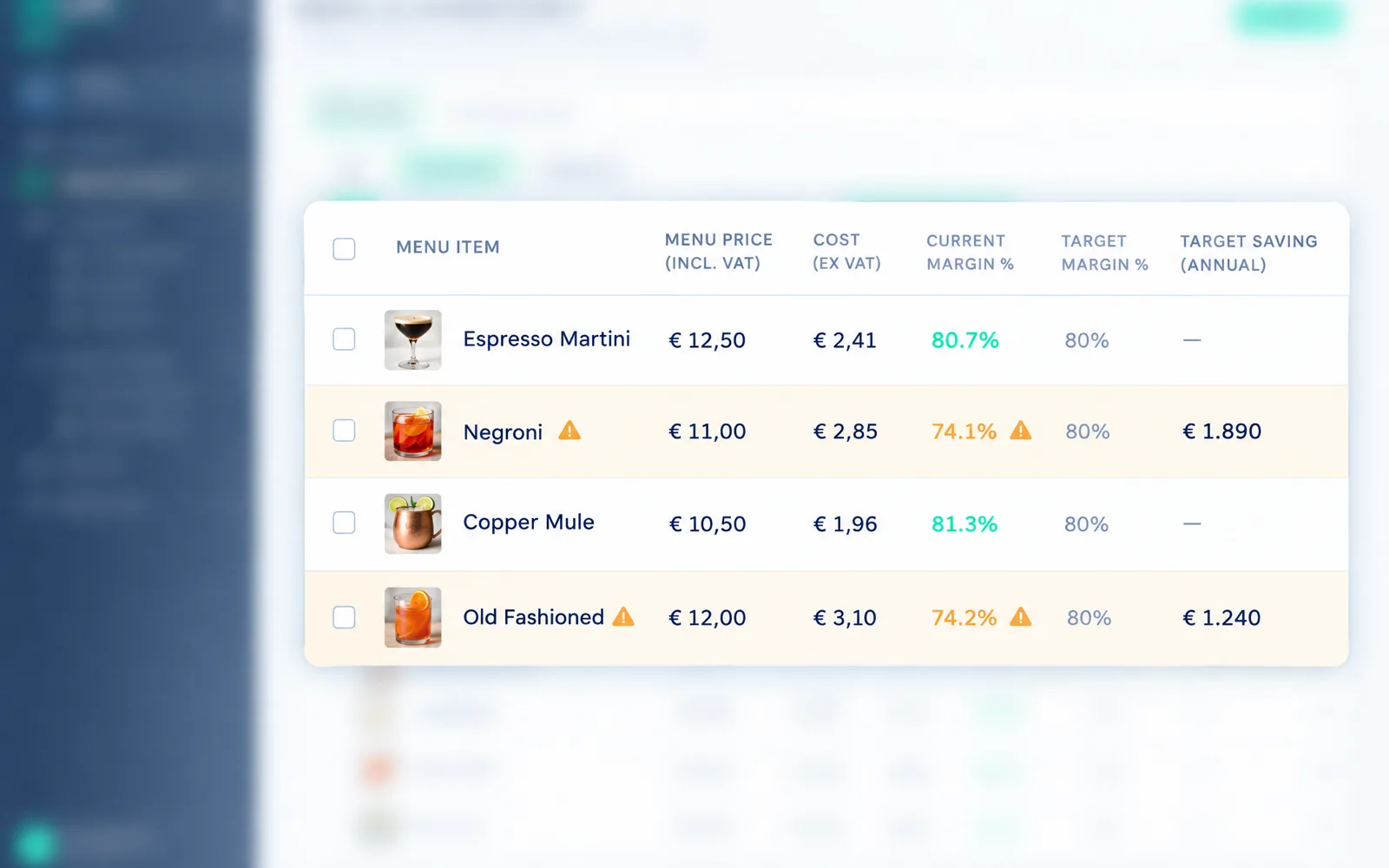
See what every drink costs you and earns you. Upload or type in your menu. Sipflow matches every item to the price you actually pay, shows the margin per drink and updates it with every purchase invoice.
- Cost and margin per item, live
- Alerts when a margin drops or a price changes
- Overcharges on supplier invoices flagged automatically
- Works for everything on tap, coffee, wine, spirits and soft drinks
How it works
Your menu margins in three steps.
- 1
Scan your menu
Upload a photo or PDF of your menu, or type it in. Sipflow recognises the items and links them to your drinks range.
- 2
See margin per item, live
Purchase prices come from your invoices and your wholesaler, so the margin you see is today's, not last year's.
- 3
Spot promotions & offers
See what is on promotion at your wholesaler and what brands pay for the spot, right next to your margin.

Catch it when a wholesaler quietly raises a price.
Every purchase invoice is checked line by line against the last price you paid and the price in your agreement. The moment a supplier charges more, you get an alert with the old price, the new price and the difference per unit, before the increase eats a quarter of margin.
- Alert per line: product, last price paid, new price and the difference
- Agreed-price check too: a contract price exceeded is flagged
- Your menu margins update with the new price, so you see what to reprice or renegotiate

Spot the gaps in your menu that make more profit.
Sipflow reads your sales and your range and shows where the menu leaks: a category guests order but you don't list, a serve whose pour cost eats the margin, a spot a brand would pay to fill. Each suggestion comes with the margin it would add.
- Gaps by category and price band, from your own sales
- Margin per suggested serve, on your purchase prices
- Open a request for proposals in one click, so brands pitch for the spot
Free tool